Ten animation effects
Wave, bounce, rainbow, typewriter, pop in, heartbeat, shake, float, neon flicker and sparkle, at three speeds.
Type a few words and this text to GIF maker turns them into an animated GIF as you type. Pick an effect, a font and a background, then download. Everything is made in your browser.
Animate text and emoji as you type.
Text to GIF in your browser: unlimited, nothing uploaded, no watermark.
Four animated text GIFs made with this text to GIF maker, exactly as they download.
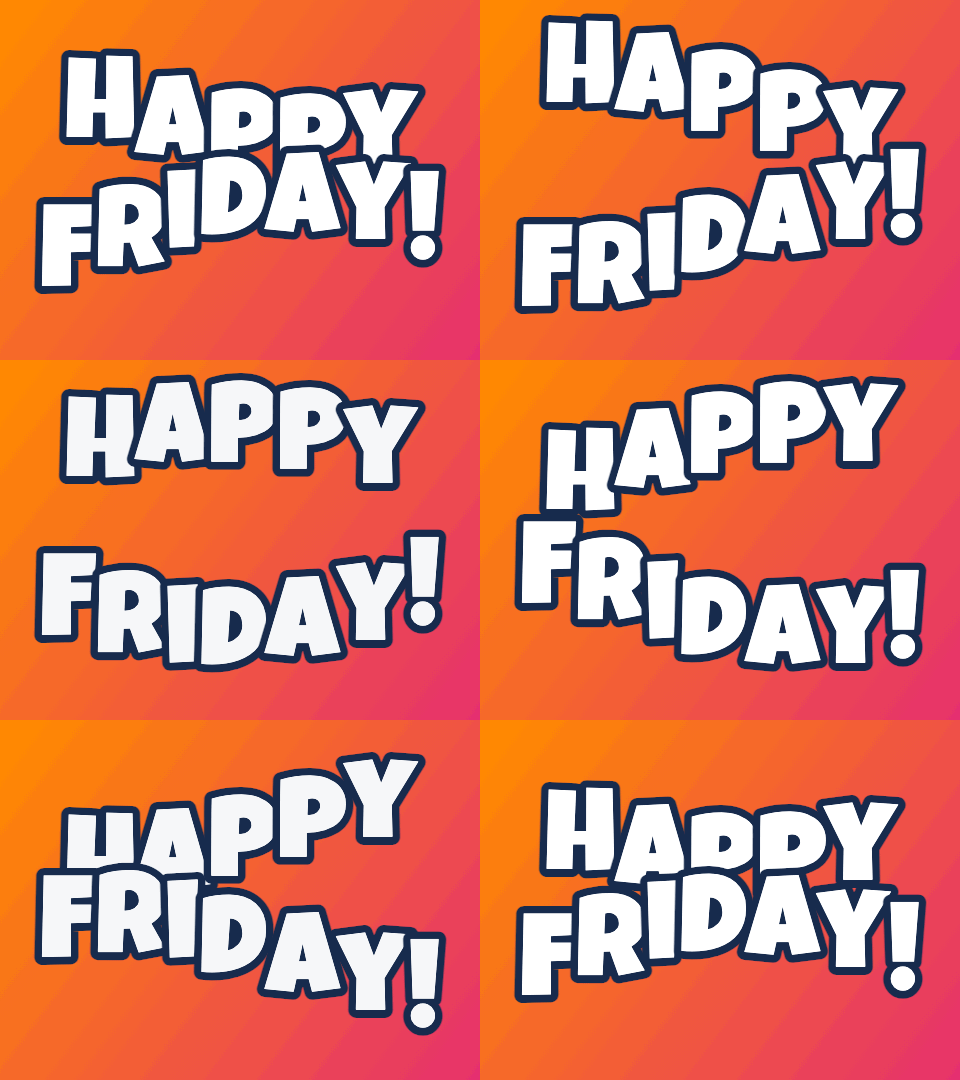
Each letter rises a moment after the one before it, so the line rolls like a flag. With the outline on, the words stay readable on any background. This is the default because it suits almost any short phrase.
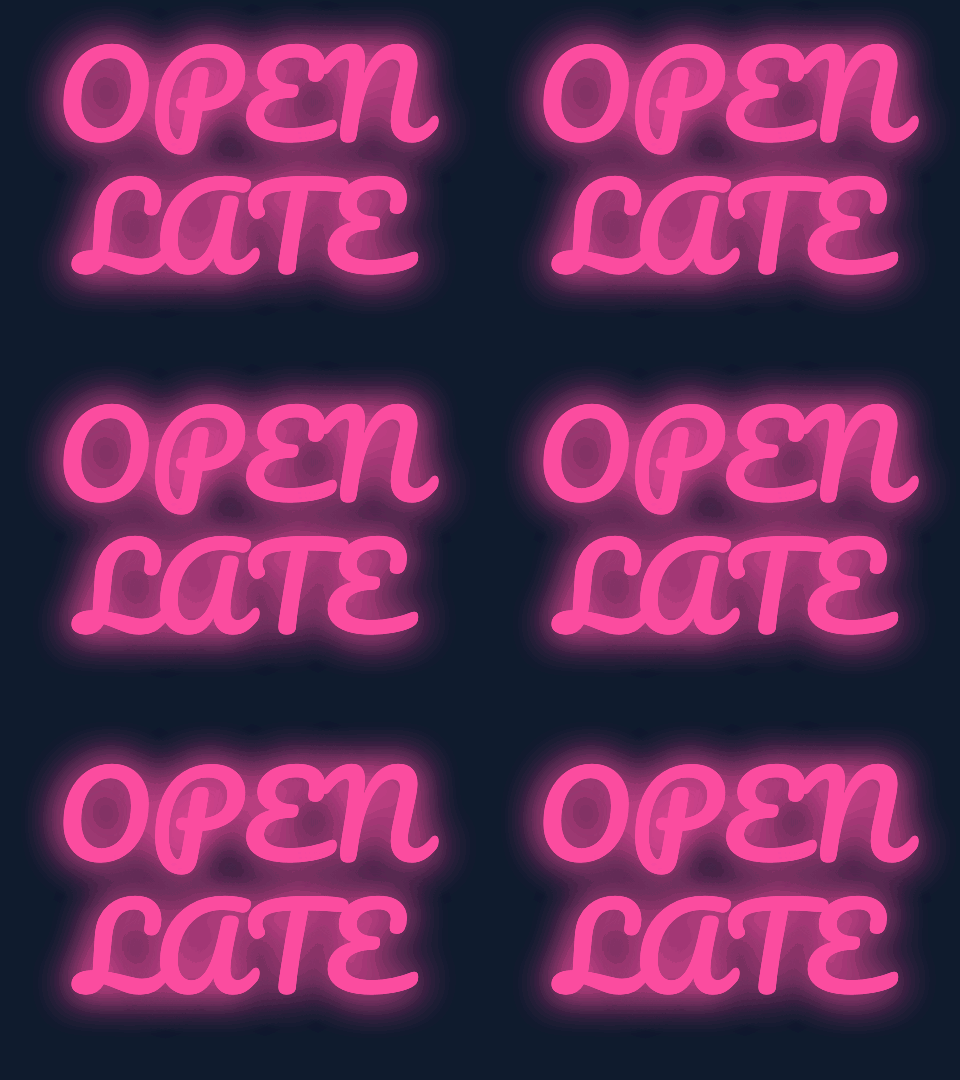
The text glows and blinks off twice per loop. Neon needs a dark background to glow, so choosing it on white or transparent switches the background to Night for you.
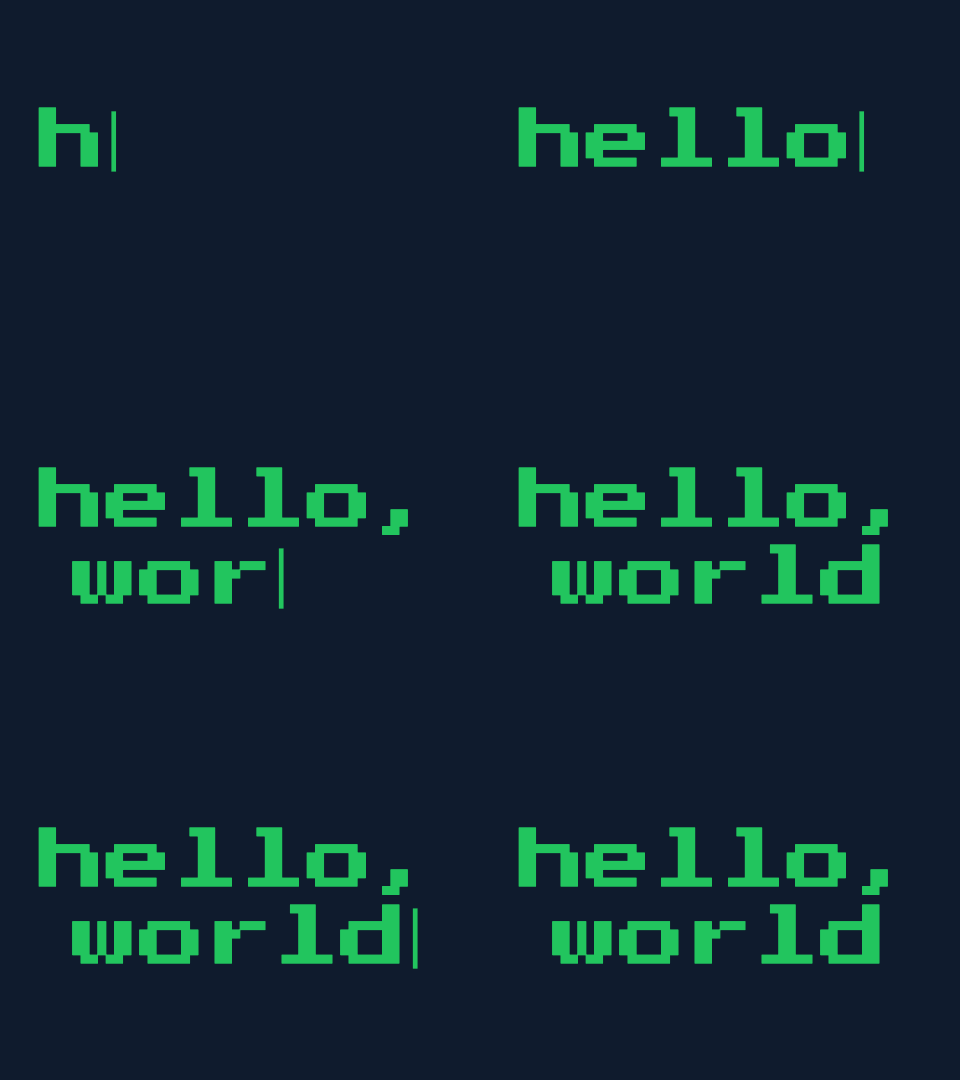
The line types itself with a blinking caret, holds for about a second, then starts again. The pixel font turns it into a terminal; the script font into a handwritten note.
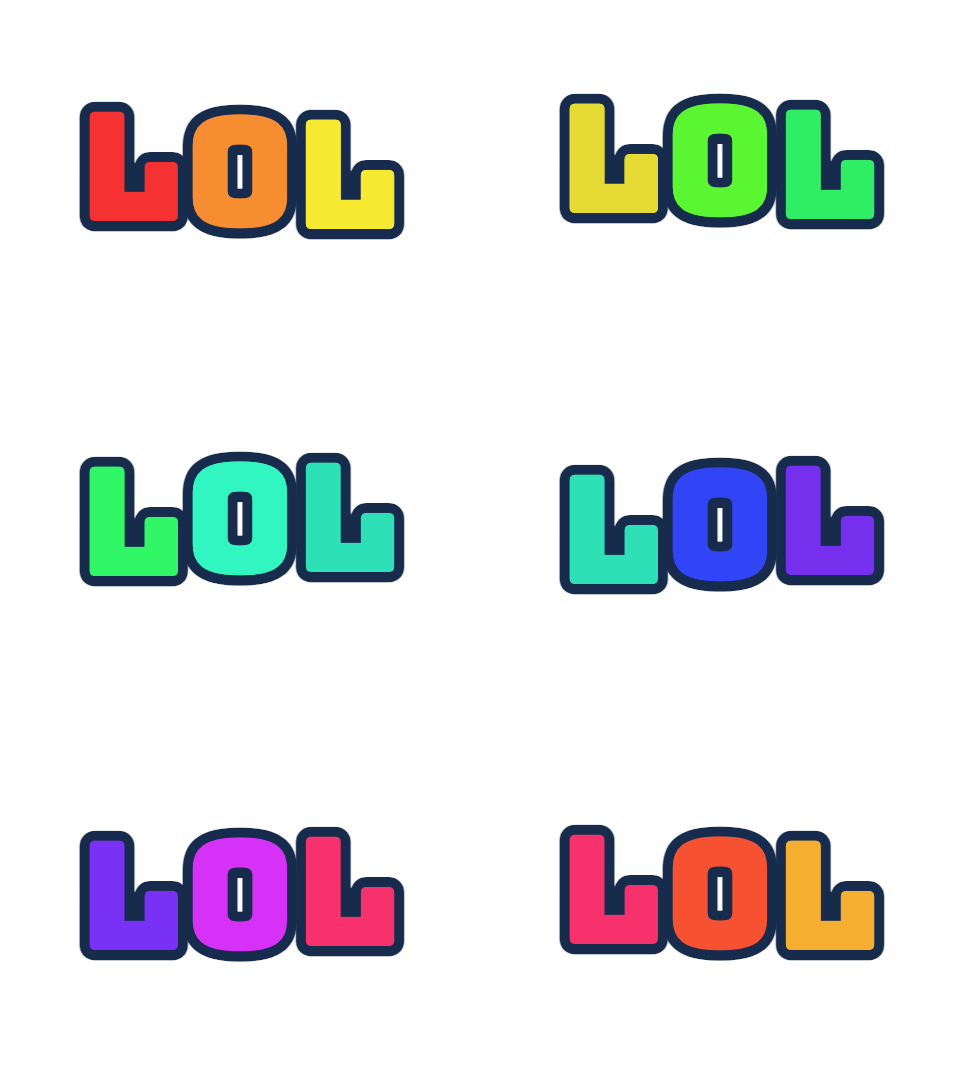
Colors move through the letters from left to right. On a white or transparent background at the 128 px emoji size, this is the classic animated reaction emoji for Discord and Slack.
Every text to GIF is drawn on a canvas on your device, so the preview keeps up with your typing.
Wave, bounce, rainbow, typewriter, pop in, heartbeat, shake, float, neon flicker and sparkle, at three speeds.
Add an emoji above your words, or animate an emoji on its own. It moves with the effect.
Five fonts from playful to pixel, seven text colors or your own, and an outline that keeps letters crisp.
Four gradients, solid colors, a custom color, or a transparent background for stickers and chat.
Square 480, wide 640 × 360, tall 360 × 640, or a 128 px emoji for Discord and Slack.
No account, no daily limit and no upload: the words you type never leave your device.
The text to GIF preview updates while you type, so there is no “generate” button to wait for.
Up to 80 characters on up to three lines. Add an emoji if you like.
Choose the animation, font, colors, background and size. Every change shows in the preview.
Check the size and frame count under the preview, then download. The file is named after your text.
Text to GIF lays the same words out again for each shape, so nothing is cropped.
| Size | Pixels | Best for |
|---|---|---|
| Square | 480 × 480 | Chats, social posts and group messages |
| Wide | 640 × 360 | Email headers, slides and stream overlays |
| Tall | 360 × 640 | Stories and phone lock screens |
| Emoji 128 | 128 × 128 | Custom emoji on Discord and Slack, with a transparent background |
Short words and one clear motion make the best animated text GIF.
A shaking “NOPE”, a bouncing “LOL”, a heartbeat “aww”. Faster to make than to search for.
“Happy birthday, Maya” in a wave with a confetti emoji, sent in the family chat.
A transparent background and the 128 px emoji size, ready to upload as a server emoji.
A wide typewriter line for a newsletter, or a neon sign for a stream’s “starting soon” screen.
Most GIFs are seen small, on a phone, for a second or two, so keep the text GIF maker settings simple.
One to four words fill the frame and stay readable on a phone. Use a new line to break a longer phrase.
Keep the outline on for transparent or busy backgrounds: it keeps letters crisp on any chat theme.
Neon glows on dark backgrounds; picking it on white switches the background to Night for you.
Plain backgrounds make much smaller files than gradients, which matters for emoji size limits.
Transparent GIFs have hard edges, because GIF transparency is all or nothing per pixel. The outline hides that.
Formats, privacy and limits, answered.
Type your text in the text to GIF box, choose one of the ten animation effects and a style, and press Download GIF. The animated GIF is created in your browser in about a second.
Yes. The text GIF maker has no account, no daily limit and no watermark. The GIF is made on your device, so it costs nothing to run.
Yes. Pick the transparent background. GIF transparency is all or nothing per pixel, so soft edges turn hard; keep the outline on so the letters look clean on any chat theme.
Yes. Choose the Emoji 128 size and a transparent background. Discord accepts animated emoji up to 256 KB, and the file size is shown under the preview before you download.
No. The animations are drawn by code on a canvas in your browser, which is why they are instant and unlimited. An AI mode that draws a whole scene from a description is planned but is not part of the site yet.
No. Text to GIF runs on your device: the words you type are turned into a GIF there and are never sent to a server.
Five: Fun (Luckiest Guy), Bold (Arial Black), Script (Pacifico), Block (Bungee) and Pixel (Press Start 2P). The four named web fonts are open-source fonts under the SIL Open Font License.
Up to 80 characters on up to three lines. The font size shrinks to fit, so shorter text is larger and easier to read.
Original animated GIFs from the library. Download one as it is, or use it as a starting point.
 Photo to GIFTurn several pictures into one animated GIF, with crossfades, zoom and loop control.
 Happy Birthday GIF with NamePick a birthday design, type a name and download a personal birthday GIF.
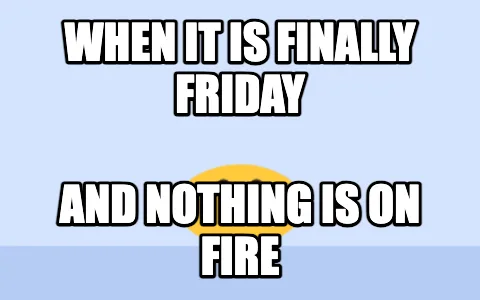 Meme GIF MakerPut classic top and bottom meme text on any GIF, keeping every frame.
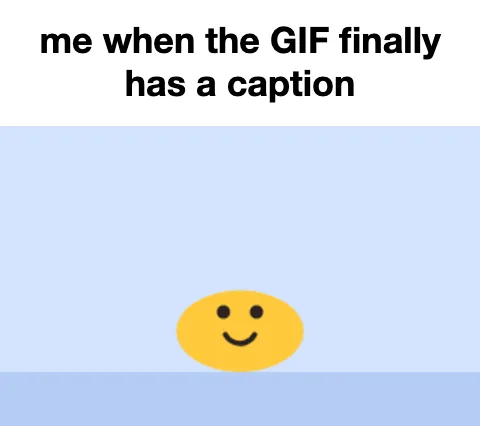 GIF Caption MakerAdd a white caption bar above any GIF, the reaction-caption format.
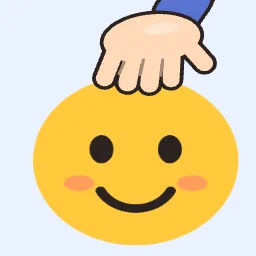 Headpat GIF MakerThe pet pet meme: a hand pats any avatar or picture. Transparent GIF for Discord.
Text to GIF in real time: your words become a looping GIF before you finish picking an effect.
Make a text GIFText to GIF in your browser: unlimited, nothing uploaded, no watermark.