Classic meme text
Impact-style white capitals with a black outline, at the top, the bottom or both.
Open a GIF in the meme GIF maker, type the top and bottom text and download an animated meme. White Impact letters with a black outline, on every frame.
Open a GIF and add top and bottom meme text.
Drop, paste or pick a GIF (up to 400 frames), or a PNG, JPG or WebP. Nothing is uploaded.
Meme GIF maker for GIFs up to 400 frames. Runs in your browser: nothing is uploaded, no watermark.
Made with the meme GIF maker and its built-in sample GIF, exactly as it downloads.
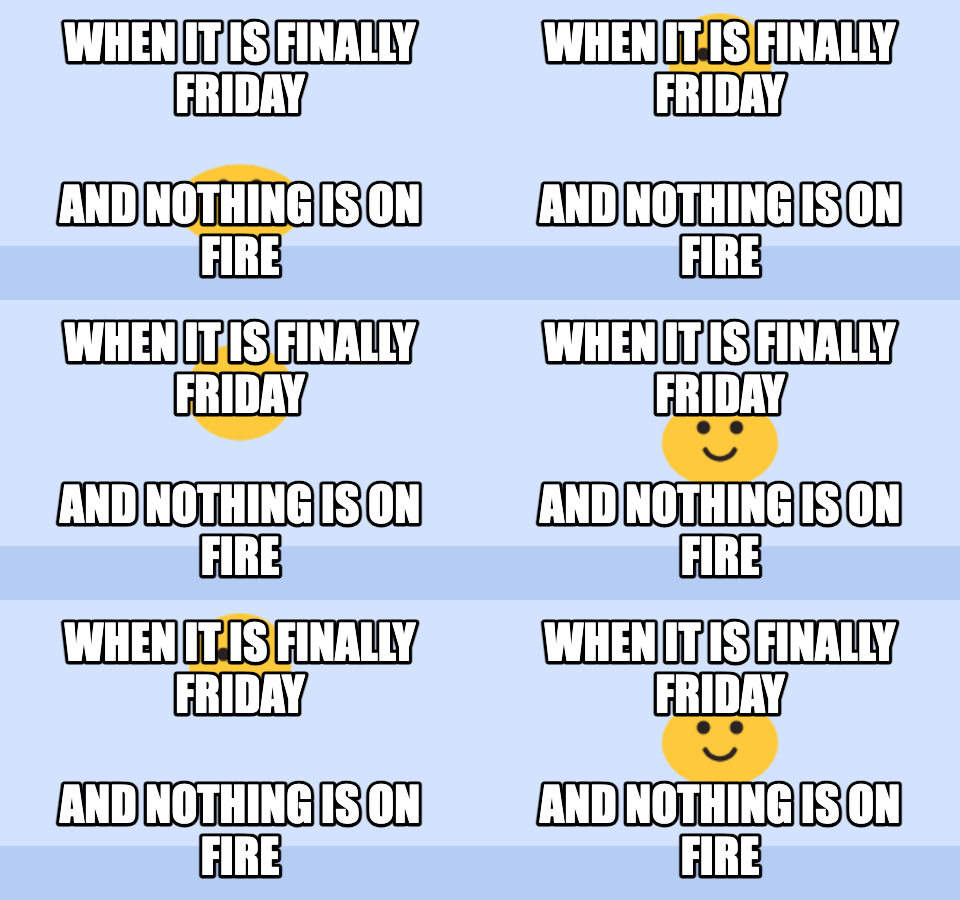
White capitals with a black outline at the top and bottom of the picture. The text is drawn on every frame, so it stays put while the GIF plays underneath. Leave either line empty to use only one.
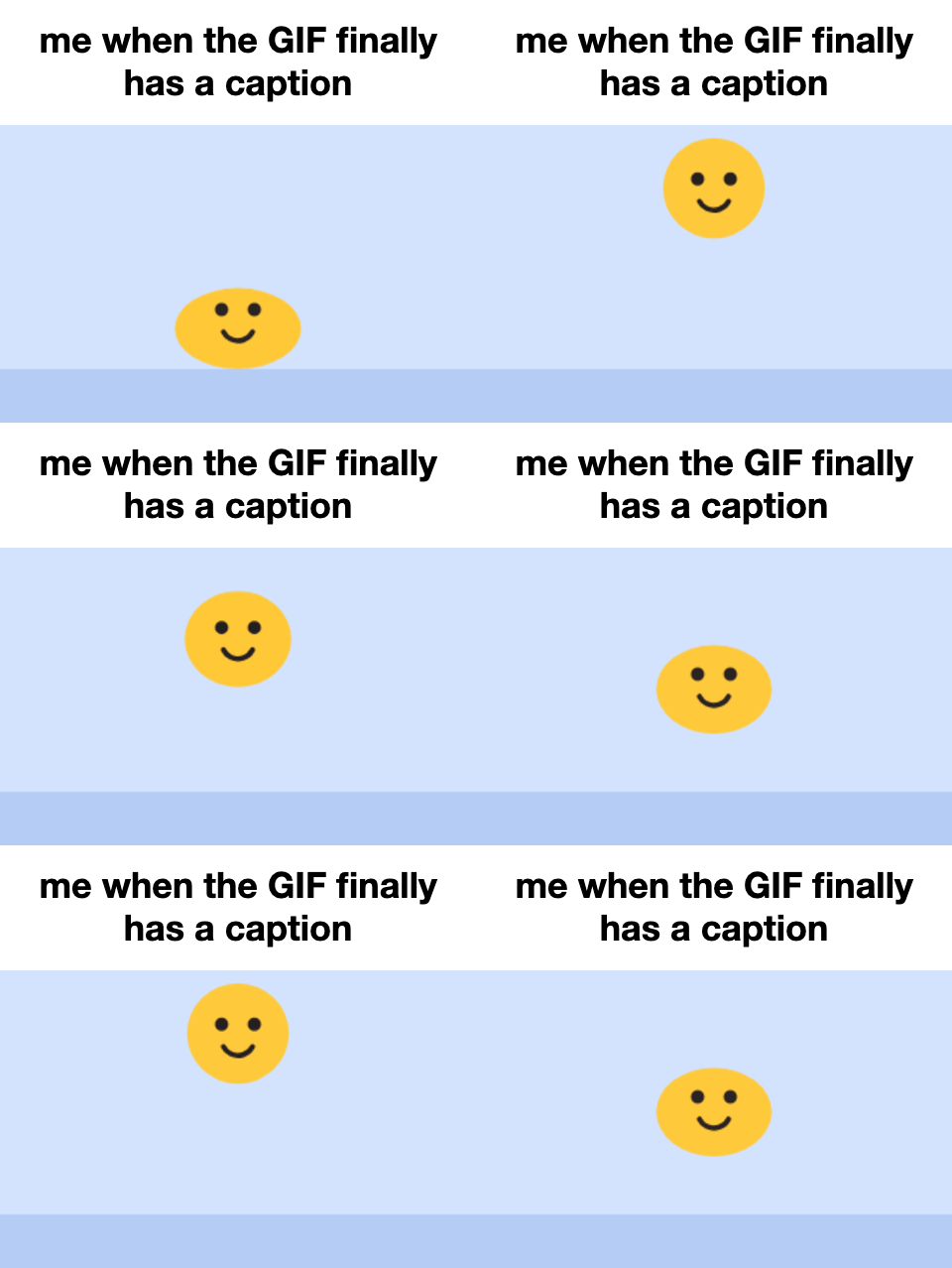
Switch the style to Caption bar for black text on a white strip above the picture, the format used for reaction GIFs. It never covers the action, which matters when the GIF has faces or text in it.
The meme GIF maker decodes every frame, draws your text and re-encodes the GIF with its original timing.
Impact-style white capitals with a black outline, at the top, the bottom or both.
Frame disposal and per-frame delays are handled, so the GIF plays at the speed it did before.
One click switches to a white caption bar above the GIF for reaction-style memes.
Scale the text from 50% to 160%. Long lines wrap automatically and never run off the picture.
Choose an output width from 240 to 640 px. Smaller widths make much lighter GIFs.
Your GIF never leaves your device, and nothing is stamped on the result.
The preview updates a moment after you stop typing.
Drop it in, paste it or pick the file. A still PNG, JPG or WebP works too.
Fill in the top text, the bottom text or both, and adjust the text size.
Check the animated preview and download the GIF.
Two formats, and this meme GIF maker makes both.
| Format | Looks like | Use it when |
|---|---|---|
| Meme text | White outlined capitals over the picture | The joke is a setup on top and a punchline below |
| Caption bar | Black text on a white strip above the picture | You are describing a feeling: “me when…”, “nobody: …” |
| No text | The GIF only, resized | You just need a smaller file for a chat or an email |
The same GIF says something different with different words.
Put this week’s inside joke on the GIF everyone already knows.
“When the build passes on the first try” over a celebrating animal.
A reply GIF for social media with your own wording instead of the stock caption.
A short loop with a server catchphrase, resized to 240 px for chat.
Most GIFs are seen small, on a phone, for a second or two.
Keep each line short: five or six words is plenty, because the text shrinks to fit.
Setup on top, punchline on the bottom. If there is no setup, leave the top empty.
If the GIF already has text in it, use the caption bar so the two do not collide.
Lower the output width if the file is large: 320 px is usually enough for chats.
Use GIFs you made or have the right to use. This site never adds anything to your file, so what you share is your responsibility.
Formats, privacy and limits, answered.
Open a GIF on this page, type the top and bottom text, and download. The text is drawn on every frame, so the result is still an animated GIF.
Yes. Every frame is decoded, given the text and re-encoded with its original delay, so the GIF keeps its speed and loop.
Impact, in white capitals with a black outline. This tool uses Impact when your device has it and a close bold condensed font when it does not.
No. The meme GIF maker runs in your browser, and the finished GIF is saved straight from it.
No. Popular meme GIFs are clips from films, shows and other people’s videos, so this site does not host them. Bring your own GIF, or make one from your photos with Photo to GIF.
Standard GIF files up to 400 frames. Very large GIFs may be too big to decode in the browser; if that happens, use a shorter or smaller version.
Yes. Open a PNG, JPG or WebP and you get a single-frame GIF with the meme text.
Original animated GIFs from the library. Download one as it is, or use it as a starting point.
 Text to GIFType words and get an animated GIF: ten effects, five fonts, transparent backgrounds.
 Photo to GIFTurn several pictures into one animated GIF, with crossfades, zoom and loop control.
 Happy Birthday GIF with NamePick a birthday design, type a name and download a personal birthday GIF.
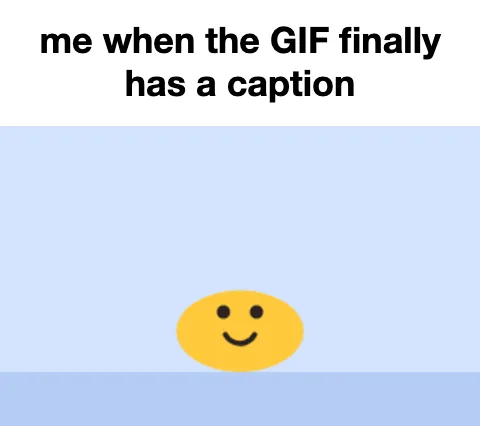 GIF Caption MakerAdd a white caption bar above any GIF, the reaction-caption format.
 Headpat GIF MakerThe pet pet meme: a hand pats any avatar or picture. Transparent GIF for Discord.
Open a GIF in the meme GIF maker, type two lines, download. That is the whole thing.
Make a meme GIFMeme GIF maker for GIFs up to 400 frames. Runs in your browser: nothing is uploaded, no watermark.