Caption bar
Black text on a white bar above the GIF: the reaction caption format used all over social media.
Open a GIF, type your caption and the GIF caption maker adds it as a white caption bar or classic meme text. Every frame and its timing stay exactly as they were.
Add a caption or meme text to every frame.
Drop, paste or pick a GIF (up to 400 frames), or a PNG, JPG or WebP. Nothing is uploaded.
GIF caption maker for GIFs up to 400 frames. Runs in your browser: nothing is uploaded, no watermark.
Made with the GIF caption maker from the built-in sample GIF.
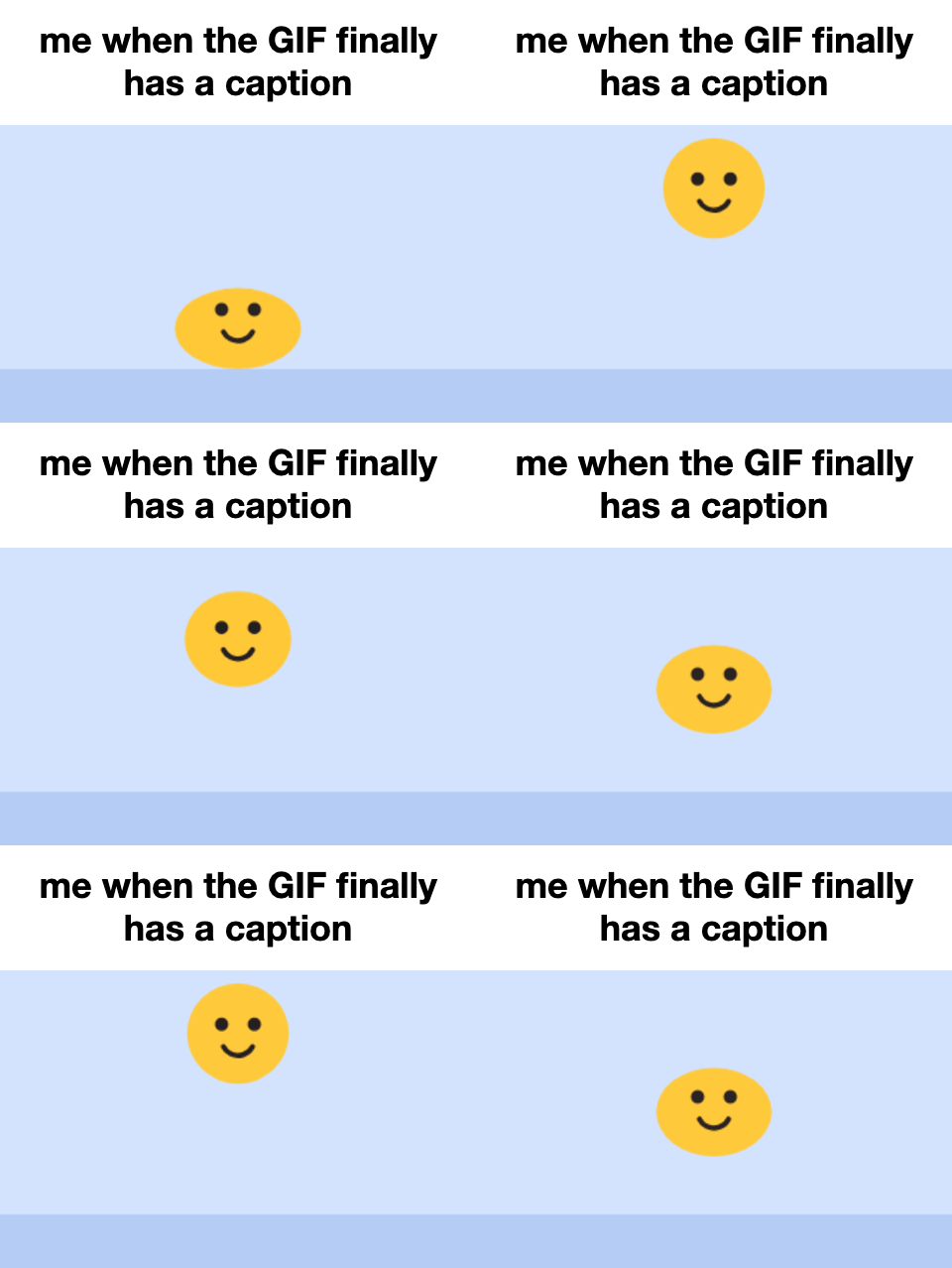
The caption sits on a white strip added above the picture, so nothing in the GIF is covered. The bar grows with the text: one line makes a thin strip, three lines a taller one.
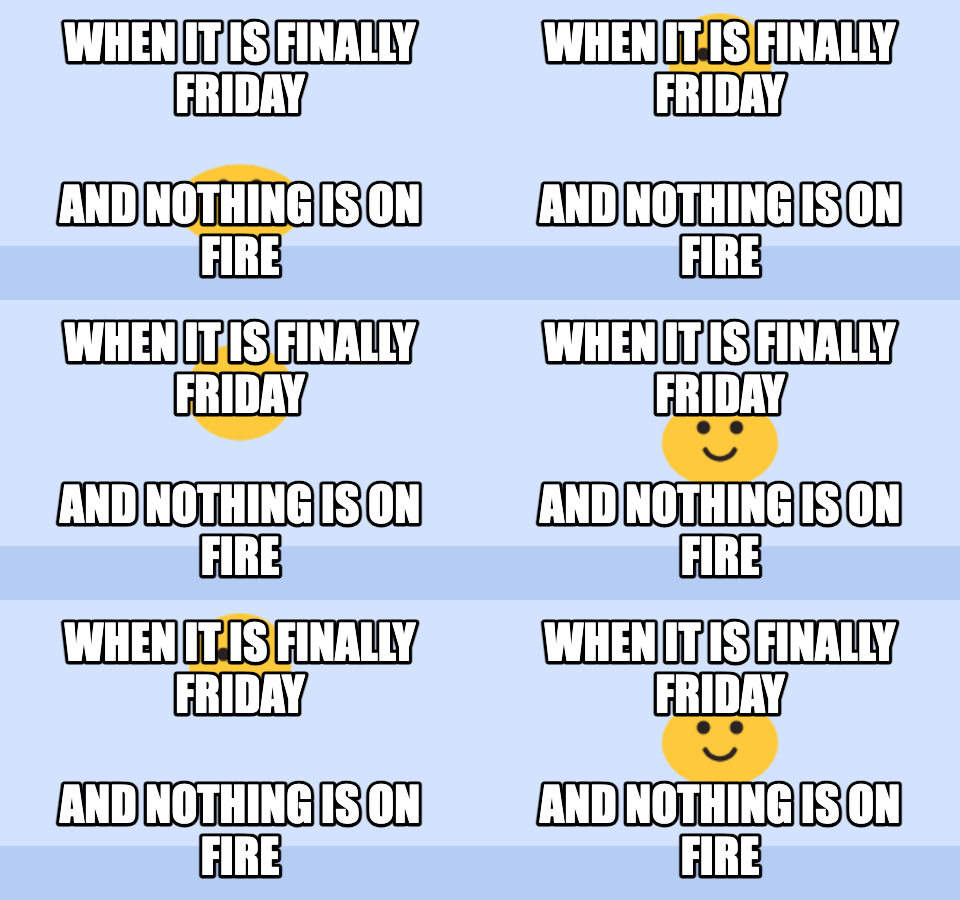
Switch the style to Meme text for white capitals with a black outline at the top and bottom of the GIF itself. The picture keeps its shape, with no bar added.
The GIF caption maker decodes every frame, draws your text and re-encodes the GIF with the original timing.
Black text on a white bar above the GIF: the reaction caption format used all over social media.
White Impact-style text with a black outline, at the top, the bottom or both.
Frame disposal and per-frame delays are handled, so the GIF plays at the speed it did before.
Impact, a bold sans or a serif, with text size from 50% to 160%. Long captions wrap automatically.
Choose an output width from 240 to 640 px. Smaller widths make much lighter GIFs.
Your GIF never leaves your device, so private GIFs stay private.
The preview updates a moment after you stop typing.
Drop it in, paste it or pick the file. PNG, JPG and WebP work too.
Choose the caption bar or meme text, then the font, size and output width.
Check the animated preview and download the captioned GIF.
Two ways to add text to GIF animations, both in this tool; switch between them in the Style panel.
| Style | Looks like | Use it when |
|---|---|---|
| Caption bar | Black text on a white strip above the GIF | You are describing a feeling: “me when…”, “POV: …” |
| Meme text | White outlined capitals over the picture | There is a setup on top and a punchline below |
| No text | The GIF only, resized | You just need a smaller file |
The same GIF says something different with a different caption.
“me when the build finally passes” over a celebrating cat.
Put a friend’s catchphrase on the GIF they always send.
Top and bottom meme text on an animated template.
Add a short explanation to a screen recording GIF before you share it.
Most GIFs are seen small, on a phone, for a second or two.
Keep it to one or two short lines; the text grows to fill the space you leave it.
The caption bar never covers the action, so use it for GIFs with faces or text in them.
Meme text reads best in capitals with Impact, which is the default for that style.
Lower the output width if the file is large: 320 px is usually enough for chats.
Very long GIFs take longer to re-encode; trim them first if you only need part of it.
Formats, privacy and limits, answered.
Open the GIF in the GIF caption maker, type your text and download. Choose the caption bar for text above the GIF or meme text for text on top of it.
Yes. Every frame is decoded, captioned and re-encoded with its original delay, so the GIF keeps its speed and loop.
No. The GIF caption maker runs in your browser and the captioned GIF is saved straight from it.
Standard GIF files up to 400 frames. Very large GIFs may be too big to decode in the browser; if that happens, use a shorter or smaller version.
GIF frames are limited to 256 colors, so re-encoding can shift colors a little, especially on photos. Transparent areas are filled with white so the caption bar and GIF read as one image.
Yes. Open a PNG, JPG or WebP and you get a single-frame GIF with the caption.
Original animated GIFs from the library. Download one as it is, or use it as a starting point.
 Text to GIFType words and get an animated GIF: ten effects, five fonts, transparent backgrounds.
 Photo to GIFTurn several pictures into one animated GIF, with crossfades, zoom and loop control.
 Happy Birthday GIF with NamePick a birthday design, type a name and download a personal birthday GIF.
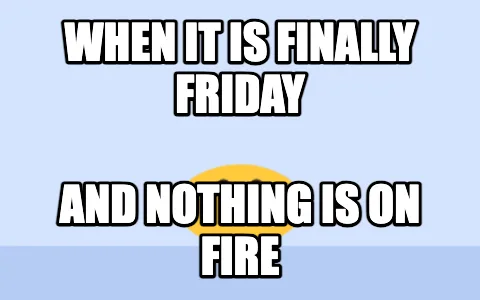 Meme GIF MakerPut classic top and bottom meme text on any GIF, keeping every frame.
 Headpat GIF MakerThe pet pet meme: a hand pats any avatar or picture. Transparent GIF for Discord.
Open a GIF in the GIF caption maker, type the caption, download. The quickest way to add text to GIF files.
Add a captionGIF caption maker for GIFs up to 400 frames. Runs in your browser: nothing is uploaded, no watermark.