Up to 60 photos
JPG, PNG, WebP and the first frame of a GIF. Phone photos are turned the right way up automatically.
Add your pictures, put them in order and the photo to GIF maker makes one animated GIF. Crossfades, zoom, ping-pong and loop control. Your photos never leave your device.
Turn your photos into an animated GIF.
Drop, paste or pick up to 60 pictures. JPG, PNG, WebP and GIF (first frame). Nothing is uploaded.
Photo to GIF with up to 60 pictures. Runs in your browser: nothing is uploaded, no watermark.
Made with this photo to GIF maker from three still pictures, exactly as it downloads.

Three stills of the same view at day, sunset and night, 0.9 seconds each with a crossfade between them. Because the loop is set to forever, the last picture fades back into the first and the GIF never jumps.
Made for the GIFs people actually send: a quick before and after, a set of holiday shots, a product from every side.
JPG, PNG, WebP and the first frame of a GIF. Phone photos are turned the right way up automatically.
Anything from a tenth of a second for a flip-book effect to three seconds for a calm slideshow.
Blend from one photo into the next, or add a slow zoom in, zoom out or pan to make still pictures move.
Loop forever, play once, play three times, or bounce forward and back like a boomerang.
Longest side from 240 to 800 px. Keep the first photo’s shape or use 1:1, 4:5, 16:9 or 9:16, fitted or cropped.
Decoding, resizing and GIF encoding all happen on your device. There is no upload and no queue.
The photo to GIF preview updates as you change settings, so you can see the result before downloading.
Drop them in, paste from the clipboard or pick files. Use the arrows to put them in order.
Choose how long each photo shows, a crossfade or motion, the loop and the output size.
Check the preview, the frame count and file size, then download the GIF.
Starting points; the preview shows the result as you change them.
| You want | Time per photo | Other settings |
|---|---|---|
| Before and after | 1 – 1.5 s | Two photos, crossfade on, loop forever |
| Slideshow of a trip | 1.5 – 2.5 s | Crossfade on, slow zoom, 480 px |
| Flip-book or stop motion | 0.1 – 0.2 s | No crossfade, no motion |
| Product from every side | 0.3 s | Square 1:1, ping-pong on |
| One photo that moves | 2 – 3 s | Zoom in, zoom out or pan |
A GIF plays on its own in chats, emails and most websites, with no play button.
Two photos, one second each, crossfade on: a renovation, a haircut, an edit.
A burst of shots at 0.1 s per frame turns into a tiny stop-motion clip.
Photos taken around an object, square shape, ping-pong on, for a listing or a store page.
A few photos from a trip or a party, with a slow zoom, sent in a group chat.
GIF is an old format with 256 colors per frame, so size choices matter.
Smaller output sizes shrink the file fastest: 480 px is plenty for chats, 320 px for emails.
Crossfades and motion add frames, and every frame adds weight. Use them for a few photos, not for sixty.
Photos taken from the same spot with the same light look smoother between frames.
For a flip-book effect, use 0.1–0.2 s per photo and no crossfade.
If a platform needs a video instead of a GIF, keep the GIF short and small; most chats convert GIFs anyway.
Formats, privacy and limits, answered.
Open photo to GIF, add one or more photos, choose the timing, then download. With a single photo, pick a motion (zoom in, zoom out or pan) so the GIF has something to animate.
No. The photo to GIF maker runs entirely in your browser. Your pictures are decoded, resized and encoded on your device, and the GIF is saved straight from your browser.
Up to 60. A GIF can hold up to 400 frames here, including the extra frames that crossfades and motion create.
This tool converts a picture to GIF, or several images to GIF, but only still pictures. Export the frames you want as images first, or pick a few photos from a burst.
GIF stores every frame. Lower the longest side, turn off crossfade or motion, or use fewer photos. Each of those cuts the size a lot.
No. The GIF you download contains only your photos.
JPG, PNG, WebP and the first frame of a GIF. Photo to GIF takes pictures from a phone or a computer, and phone photos are turned the right way up automatically.
Original animated GIFs from the library. Download one as it is, or use it as a starting point.
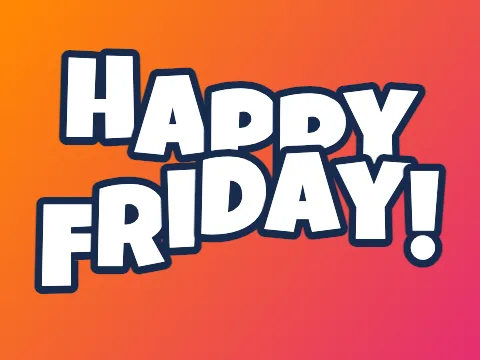 Text to GIFType words and get an animated GIF: ten effects, five fonts, transparent backgrounds.
 Happy Birthday GIF with NamePick a birthday design, type a name and download a personal birthday GIF.
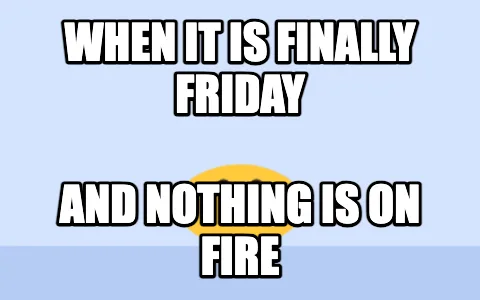 Meme GIF MakerPut classic top and bottom meme text on any GIF, keeping every frame.
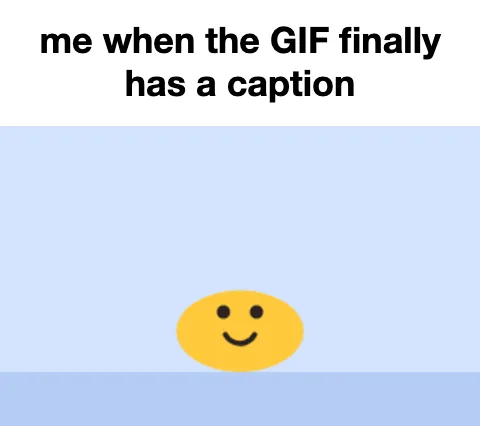 GIF Caption MakerAdd a white caption bar above any GIF, the reaction-caption format.
 Headpat GIF MakerThe pet pet meme: a hand pats any avatar or picture. Transparent GIF for Discord.
Drop a few pictures into photo to GIF and the animation is ready before you finish choosing the timing.
Make a GIF from photosPhoto to GIF with up to 60 pictures. Runs in your browser: nothing is uploaded, no watermark.