Any name, clear letters
The name is drawn as real text, so every letter is correct, including accents and non-Latin scripts your device can display.
Make a happy birthday GIF with name in seconds: pick a design, type the name and download an animated GIF made for one person. Cake, balloons, confetti or neon.
Pick a design, add a name and download your birthday GIF.
480 px looks best in feeds and chats. Smaller sizes make lighter files for slow connections.
Short names are drawn larger. The lettering is laid out again for every name, so nothing is cut off.
The artwork is original, so you can post the GIF anywhere, for personal or business greetings.
Every happy birthday GIF with name is made in your browser: the name is never uploaded. Free, no watermark.
These are the designs without a name. Add one above and the lettering is laid out again to fit it.
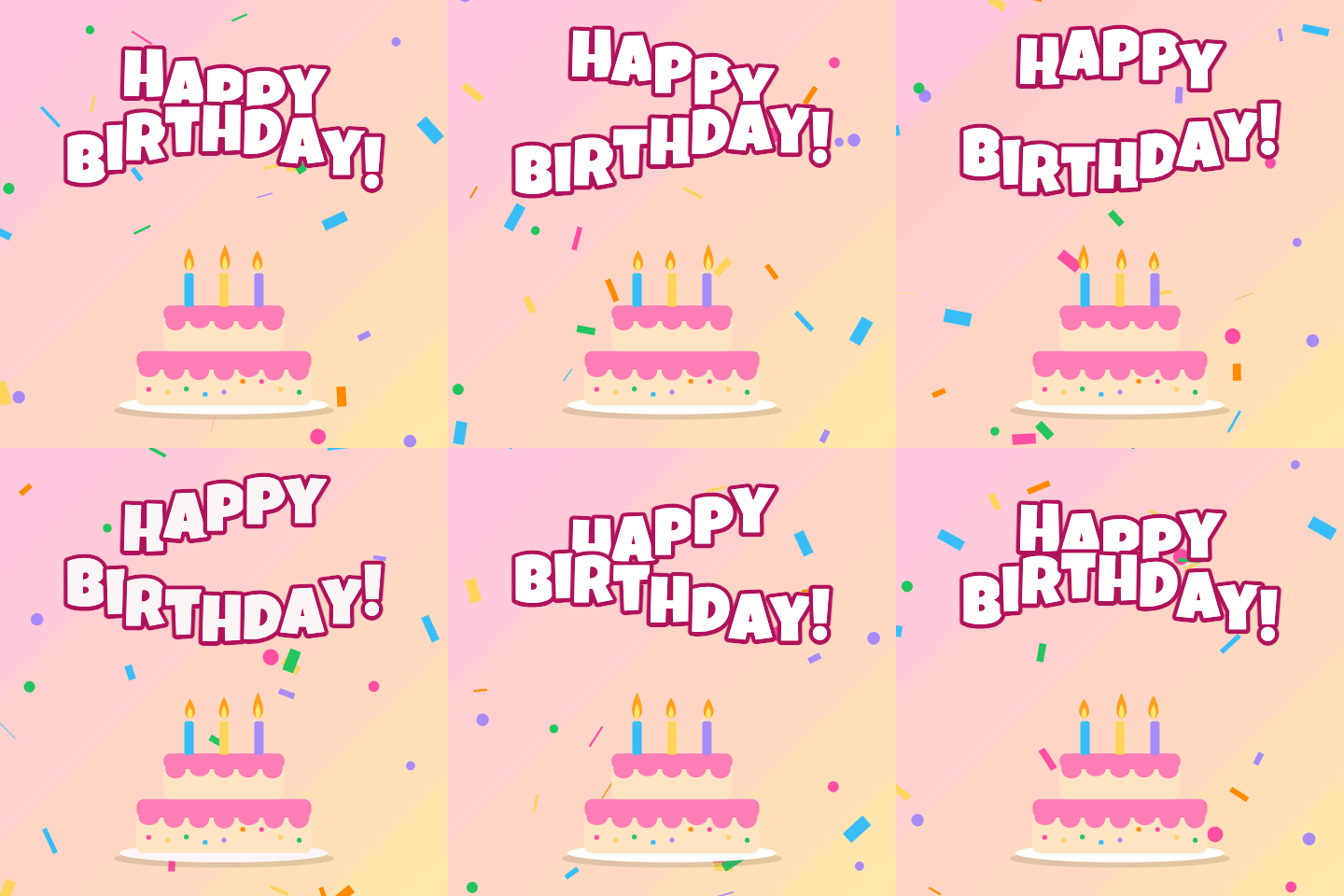
A two-tier cake with three candles that flicker, under letters that roll in a wave. The all-purpose birthday GIF: it suits a parent, a friend or a colleague equally well.

Three balloons bob over a blue sky with drifting clouds, with the greeting in a flowing script. Calm and friendly, a good choice for a card-like message.
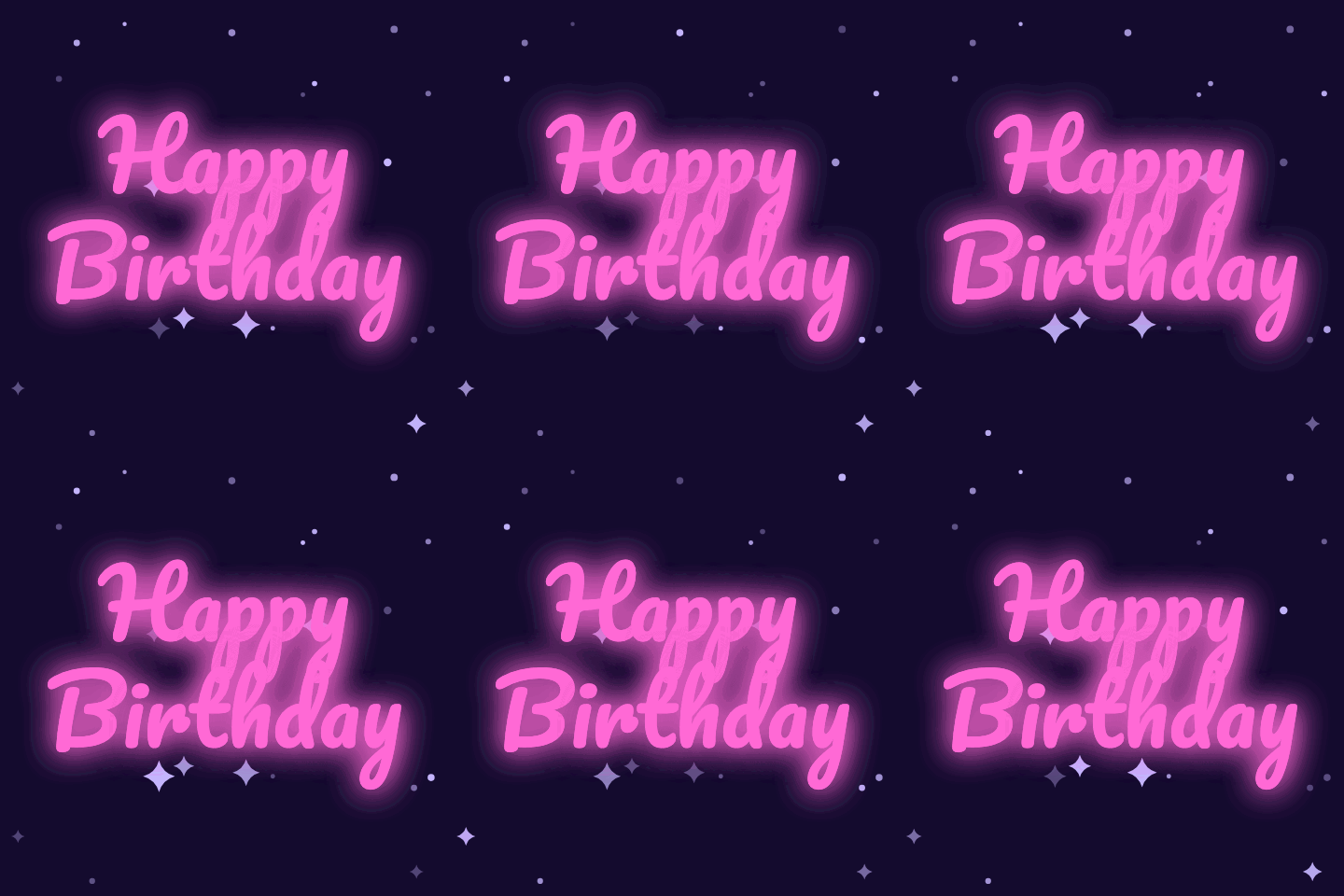
The greeting as a pink neon sign that flickers like a bar sign. With a name on the last line it reads like a sign made for their party.
A name turns a GIF everyone has seen into one that was clearly made for them.
The name is drawn as real text, so every letter is correct, including accents and non-Latin scripts your device can display.
Cake and candles, balloons, a confetti party, a neon sign, a present, and rainbow letters.
Keep “Happy Birthday” or change the line: “Happy 30th”, “Feliz cumpleaños”, “Happy Bday”.
From 320 px for quick messages to 480 px for sharing in feeds.
The preview redraws as you type. There is no queue and nothing to wait for.
The name never leaves your device, and the download has no watermark.
Three steps, about twenty seconds.
Six animated birthday designs, each with its own artwork, lettering and motion.
Add the name, and change the greeting line if you want something other than “Happy Birthday”.
Download the GIF and send it in a message, post it, or add it to an email.
A GIF plays on its own almost everywhere, with no play button.
| Where | How to send it | Good to know |
|---|---|---|
| iMessage and SMS | Attach the downloaded file from Photos or Files | Plays inline on iPhone and most Android phones |
| Attach it as a photo; it is sent as a looping clip | Use the 480 px size | |
| Facebook and Messenger | Upload it as a photo in a post or message | Animates in the feed and in chats |
| Insert it as an inline image | Gmail and Apple Mail animate it; some Outlook versions show the first frame only | |
| Slack and Discord | Drop the file into the channel | Plays inline at full size |
Anyone you would otherwise send a plain “HBD” to.
A cake GIF with their name in the family chat, first thing in the morning.
The balloons design in the team channel is friendly without being too personal.
Rainbow letters with their name; children love seeing their own name move.
A quick personal birthday greeting from a small business, club or classroom.
Small choices make it feel made for them.
Use the name they actually go by: “Happy Birthday, Sam!” feels closer than a full formal name.
Short names are drawn larger. For a long name, the neon and rainbow designs leave the most room.
Add the age to the greeting line for a milestone: “Happy 40th Birthday”.
Send it with one line of your own. A GIF plus a sentence reads as a message; a GIF alone reads as a reaction.
For email, test with yourself first: a few mail apps show only the first frame of a GIF.
Formats, privacy and limits, answered.
Pick one of the six designs, type the name in the Name box and press Download GIF. The name is drawn into the animation in your browser, so the GIF is ready in a second or two.
Yes. There is no sign-up, no limit on how many birthday GIFs with a name you make and no watermark on the download.
Yes. Edit the greeting line to anything you like, such as “Happy 30th Birthday”, “Happy Bday” or a greeting in another language.
No. The GIF is drawn and encoded on your device. The name you type is never sent to a server.
Not in this tool. To animate photos, use Photo to GIF; to add a caption to a photo or GIF, use the GIF caption maker.
The same six designs are in the happy birthday GIF collection, ready to download as they are.
Yes. The artwork is original and drawn by this site, so you can use the GIFs you make for personal or commercial greetings without attribution.
Original animated GIFs from the library. Download one as it is, or use it as a starting point.
 Text to GIFType words and get an animated GIF: ten effects, five fonts, transparent backgrounds.
 Photo to GIFTurn several pictures into one animated GIF, with crossfades, zoom and loop control.
 Meme GIF MakerPut classic top and bottom meme text on any GIF, keeping every frame.
 GIF Caption MakerAdd a white caption bar above any GIF, the reaction-caption format.
 Headpat GIF MakerThe pet pet meme: a hand pats any avatar or picture. Transparent GIF for Discord.
One design, one name, one download: a happy birthday GIF with name takes less time than choosing an emoji.
Add a nameEvery happy birthday GIF with name is made in your browser: the name is never uploaded. Free, no watermark.